
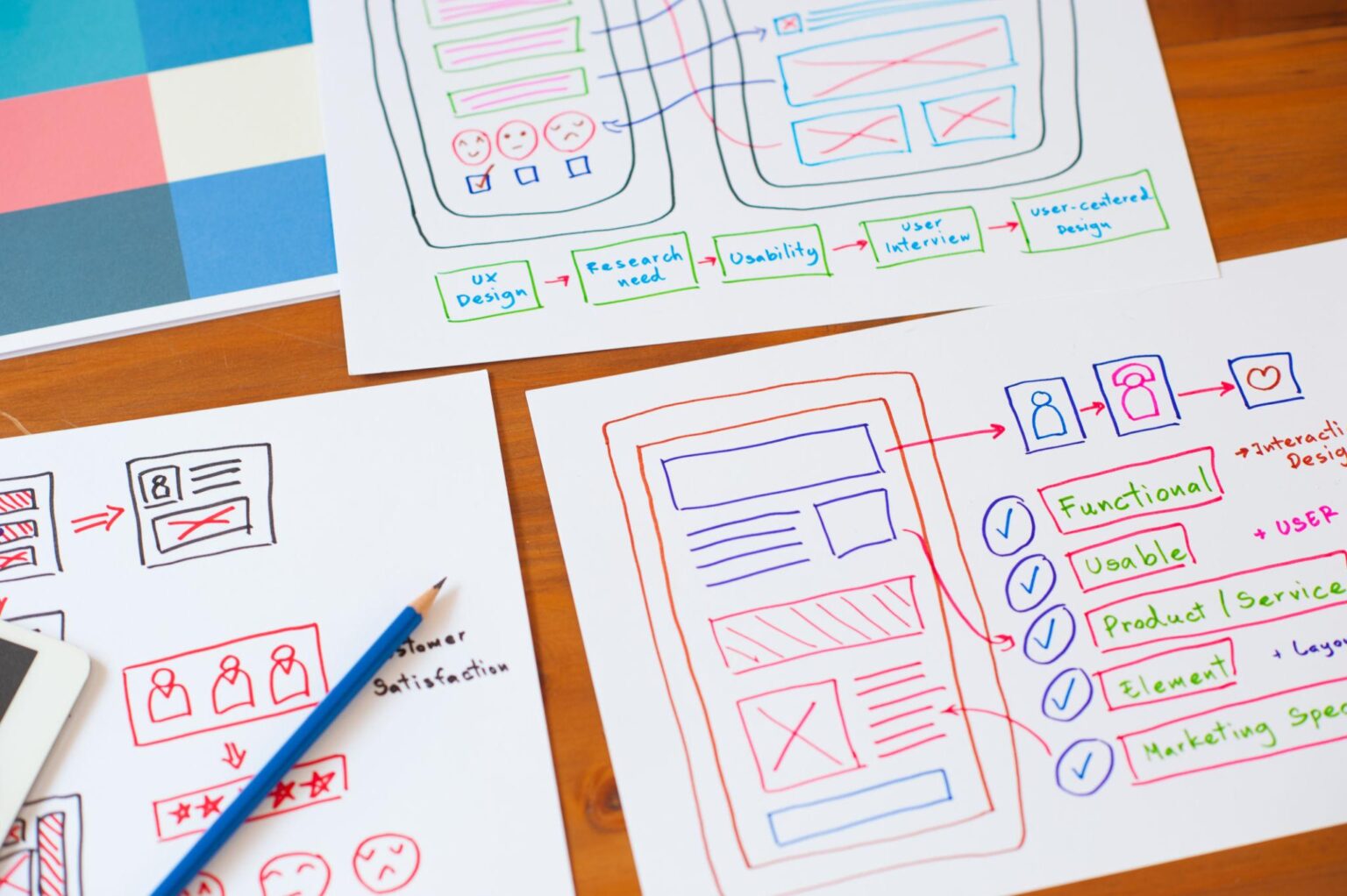
Building a website used to feel like something only developers could do. That’s no longer true. With WordPress, you can create a professional website without writing code. Whether you want a blog, portfolio, or business site, this guide walks you through the process step by step.
Let’s keep it simple and practical.
Step 1: Decide What Kind of Website You Want
Before touching any tools, be clear about your goal.
Ask yourself:
- Is this a blog, business site, or online store?
- Who is it for?
- What should visitors do (read, contact you, buy something)?
For example, a personal blog needs clean reading pages, while a business site needs service pages and contact forms.
Clarity here saves a lot of time later.
Step 2: Get a Domain Name and Hosting
You need two things to put your site online:
1. Domain Name
This is your website address (like yourwebsite.com).
Tips:
- Keep it short and easy to remember
- Avoid numbers and hyphens
- Try to match your brand name
2. Web Hosting
This is where your website lives.
Look for:
- Good speed and uptime
- One-click WordPress install
- Customer support
Popular hosting providers include Bluehost, SiteGround, and Hostinger. Most of them make setup beginner-friendly.
Step 3: Install WordPress
Most hosting platforms offer a one-click install.
Typical process:
- Log into your hosting account
- Find “Install WordPress”
- Choose your domain
- Set your username and password
That’s it. Your site is now live, even if it’s still empty.
Step 4: Choose a Theme (Your Website Design)
theme controls how your website looks.
Inside WordPress:
- Go to Appearance → Themes → Add New
- Browse free themes or upload a premium one
Good beginner-friendly themes:
- Astra
- GeneratePress
- Kadence
What to look for:
- Clean design
- Mobile-friendly layout
- Fast loading
Don’t overthink this. You can change it later.
Step 5: Customize Your Website
Now make it yours.
Go to Appearance → Customize and adjust:
- Logo
- Colors
- Fonts
- Header and footer
Keep it simple. A clean layout always works better than something crowded.
Step 6: Install Essential Plugins
Plugins add features to your site.
Start with a few essentials:
- SEO plugin (like Yoast SEO or Rank Math)
- Security plugin
- Caching plugin (for speed)
- Backup plugin
If you’re building an online store, install WooCommerce.
Avoid installing too many plugins. It slows down your site.
Step 7: Create Important Pages
Every website needs a few basic pages:
- Home – your main page
- About – who you are
- Contact – how people reach you
- Blog (optional)
For business sites, add:
- Services or Products
- Testimonials
To create a page:
- Go to Pages → Add New
- Add content
- Click Publish
Step 8: Create Your Menu
Menus help visitors navigate your site.
Go to:
Appearance → Menus
Add your main pages and arrange them in order.
Keep it simple. Too many menu items confuse visitors.
Step 9: Start Adding Content
This is the most important part.
If you’re blogging:
Write helpful articles
Focus on one topic per post
Keep paragraphs short and readable
If it’s a business site:
Clearly explain what you offer
Use real examples
Add a clear call-to-action (like “Contact Us”)
Good content builds trust. Design alone doesn’t.
Step 10: Optimize for SEO
Basic SEO steps:
- Use clear titles
- Add keywords naturally
- Write meta descriptions
- Use headings (H1, H2, H3)
- Add images with alt text
Also:
- Make sure your site loads fast
- Ensure it works well on mobile
SEO takes time, but it pays off.
Step 11: Test Before Launch
Before sharing your site:
- Check all links
- Test on mobile and desktop
- Make sure forms work
- Fix spelling mistakes
A quick review makes a big difference.
Step 12: Launch Your Website
Once everything looks good, share your site.
You can:
Post it on social media
Send it to friends or customers
Add it to your email signature
Your website is now live.
Final Thoughts
Building a WordPress website in 2026 is easier than ever. You don’t need to be a developer. You just need a clear plan and a bit of patience.
Start simple:
- Pick a clean theme
- Add essential pages
- Focus on good content
You can always improve things later.
If you stay consistent, your website will grow into something valuable over time.
